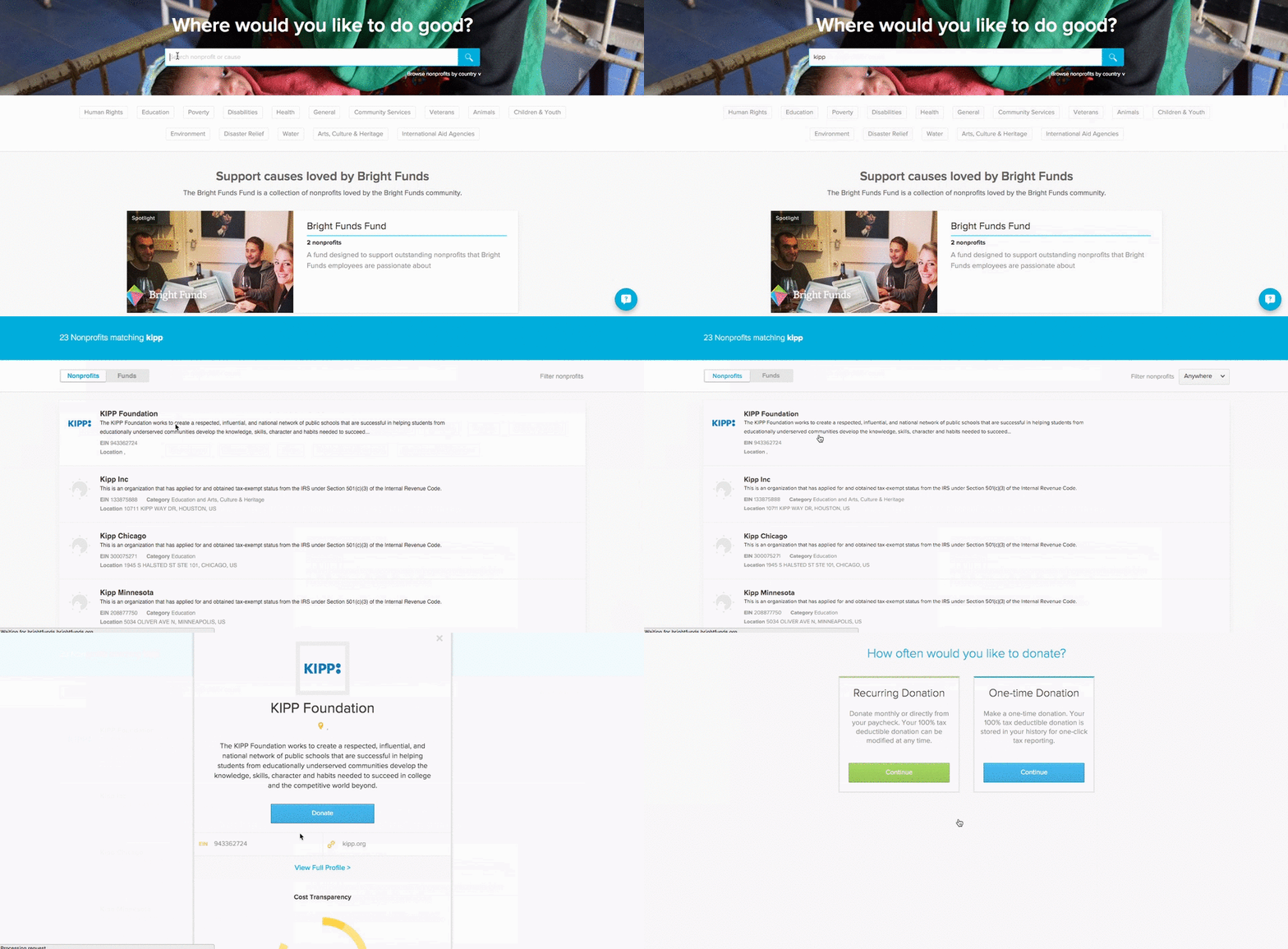
Making a one-time or recurring donation
Use Bright Funds to donate to any eligible U.S. nonprofit or support Funds of nonprofits.
- Log in to your Bright Funds account.
- Click ‘Donate’ from your homepage or click Explore causes in the top navigation.
- Search for and select the nonprofit or Fund you wish to donate to. If you would like more information on an organization, Click ‘View Full Profile.’
- Click ‘Donate’ and select your donation frequency.
- Select your payment method and donation amount.
- If you would like to request a match, make sure the checkbox ‘Submit my gift for matching’ is selected.
- If you want, include a designation and select your preferred privacy setting. You can share your name, name and email, keep your information private.
- Fill out payment information and complete your donation.